Instagram
IACDE 2024: 3D Design Brief A–Z Workshop with Dorelle McPherson
Browzwear’s Dorelle McPherson guided IACDE 3D Summit participants on building design briefs and streamlining workflows.
January 4, 2023
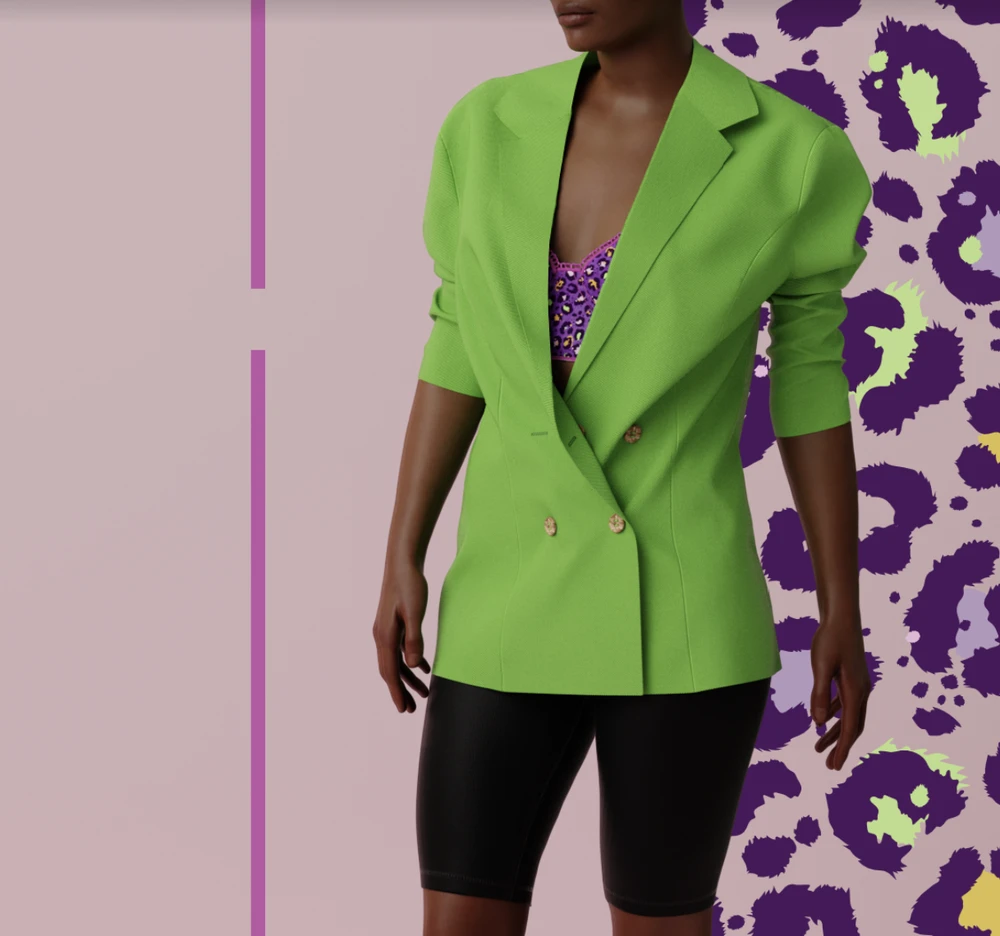
In this video tutorial, we’ll learn how to create shoulder pads using Browzwear’s 3D design software. Starting with multiple pattern pieces made of fabrics with various levels of thickness, we’ll use the pen tool to draw an internal line in the middle of the shoulder pad and extend it to the edge. We’ll then stitch the internal line to the shoulder line of the jacket and change the shoulder pad to the right layer with the rest of the outfit.
Next, we’ll prepare the fabric for the shoulder pads by cloning any fabric and selecting “miscellaneous and foam” from the drop-down menu in the fabric physics settings. We’ll adjust the thickness to 10 millimeters and assign the new fabric to the shoulder pads. To achieve a gradient of thickness, we’ll select the edge of the shoulder pad, close the edge by offset, and slice the lines to create different sections.
We’ll then stitch all the new sliced pieces to the shoulder line and dress the avatar to view the new simulation. We’ll clone the foam fabric and create new fabrics for each thickness level to create the gradient thickness. We’ll assign fabrics to the sliced shoulder pad in a gradual way by slicing the shoulder pads into multiple sections and using fabrics with different thicknesses to mimic the layering typical of real-life shoulder pads.
Browzwear’s Dorelle McPherson guided IACDE 3D Summit participants on building design briefs and streamlining workflows.
Discover 1930s sleeve design with Browzwear's 3D fashion tools. Learn vintage-inspired techniques in our Garden Party digital workshop.
This workshop explore the integration of Substance 3D Designer and Substance 3D Sampler, offering an exploration of workflows for apparel designers.